Plan the right amount
Ask a focused question, run a check, or scope a multi-ticket project. Existing workspace structure and saved project context inform the plan.
Real Memory AI Agent connects your chosen model to real developer workflows. Plan a task, edit the project, run its checks, review the changes, and keep the evidence with the work.
Available across VS Code, Chrome, Edge, terminal, and MCP. Model, provider, and data handling depend on the surface and settings you choose.
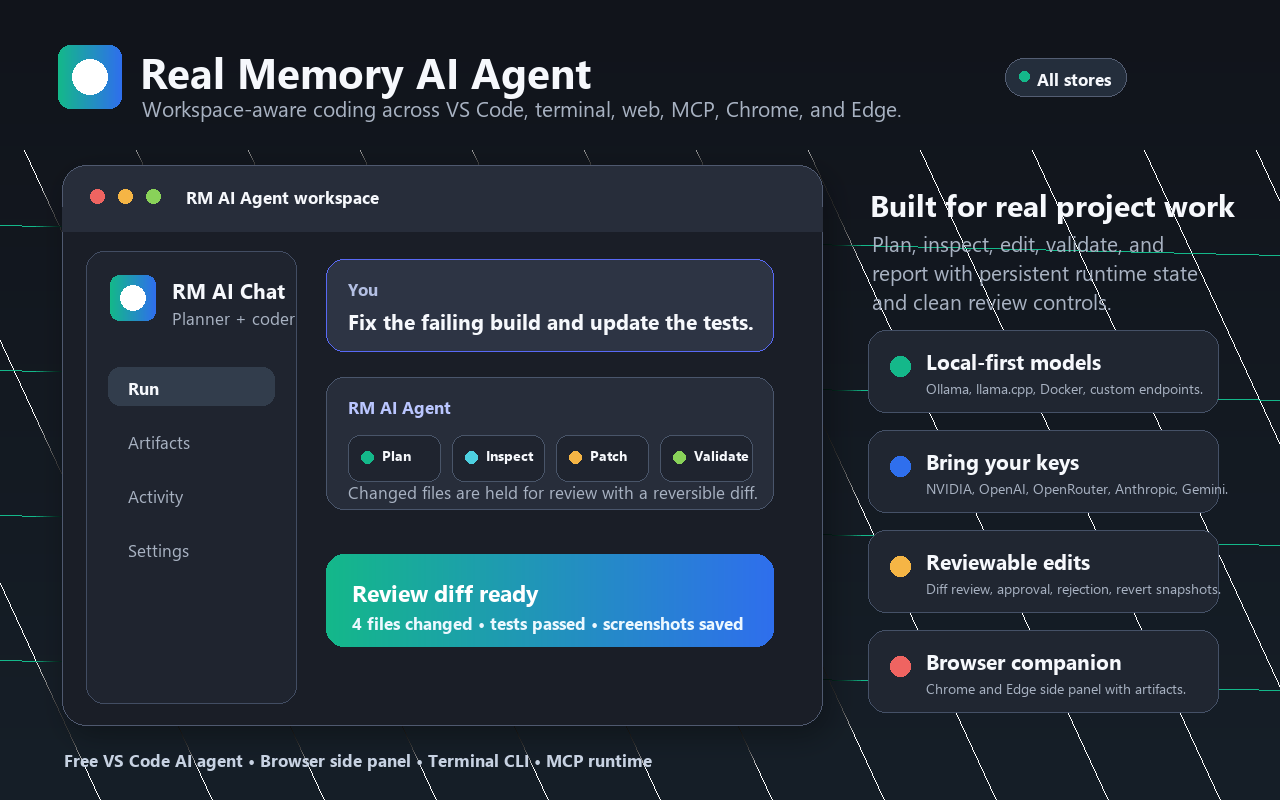
Update the standalone CLI from npm or download the VS Code extension.
Release notes and downloadsUse the lightweight flow for a direct check or ask for a larger Scrum plan. The harness helps classify the request, inspect existing project context, route work through the selected flow, and verify changes against real commands and evidence.
Ask a focused question, run a check, or scope a multi-ticket project. Existing workspace structure and saved project context inform the plan.
See tickets, owners, comments, status history, changed files, screenshots, activity, and the model exchange in the Scrum and Harness workspace.
Run the owning package's declared validation. When a failure appears, preserve its evidence, guide a scoped repair, rerun the failed check, and report what passed.
Keep failed checks, repair history, and selected-model availability visible. Read how repair and resume work.
These captures show current extension UI rendered with sample project data. They contain no customer workspace or private task records.
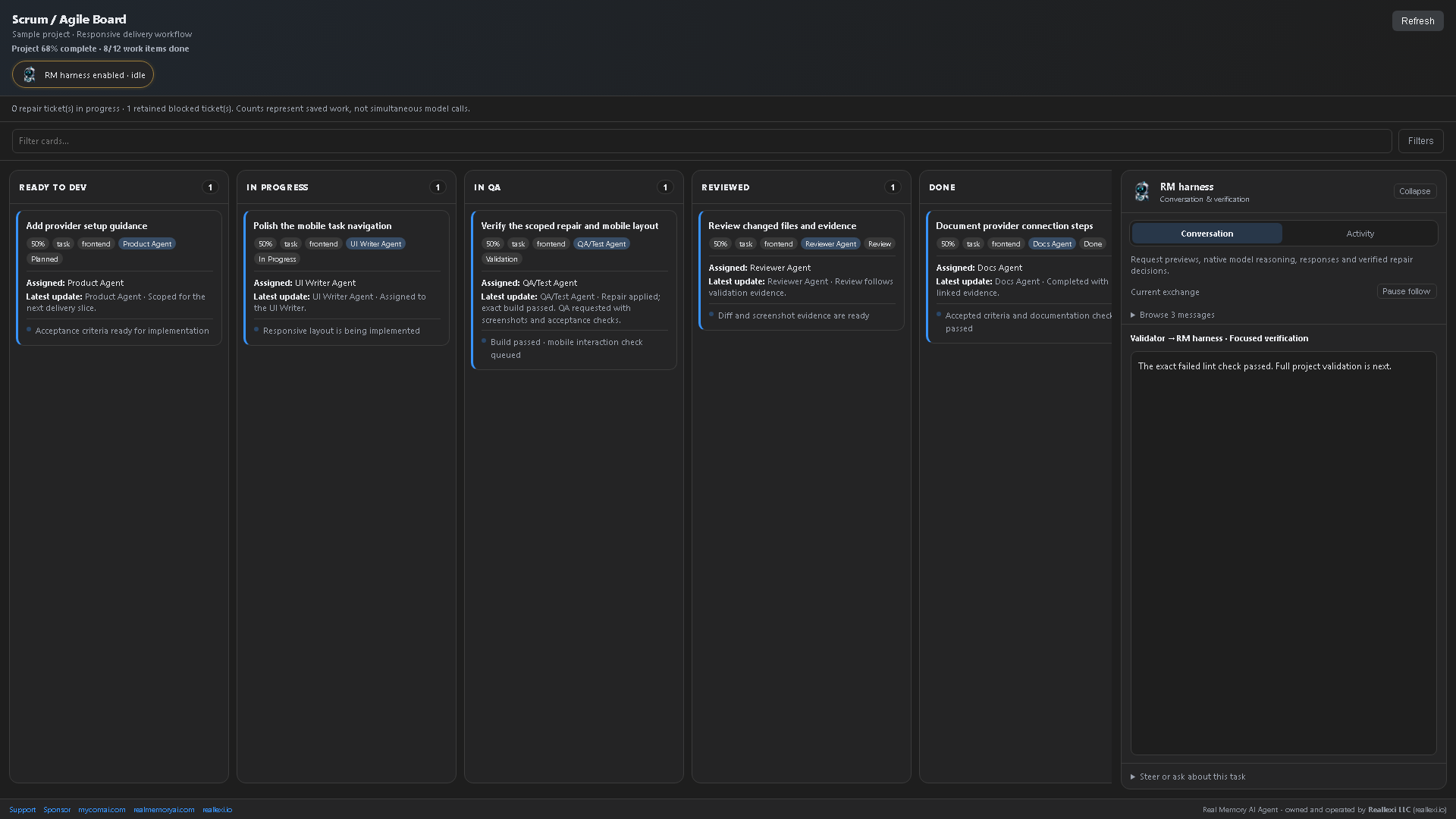
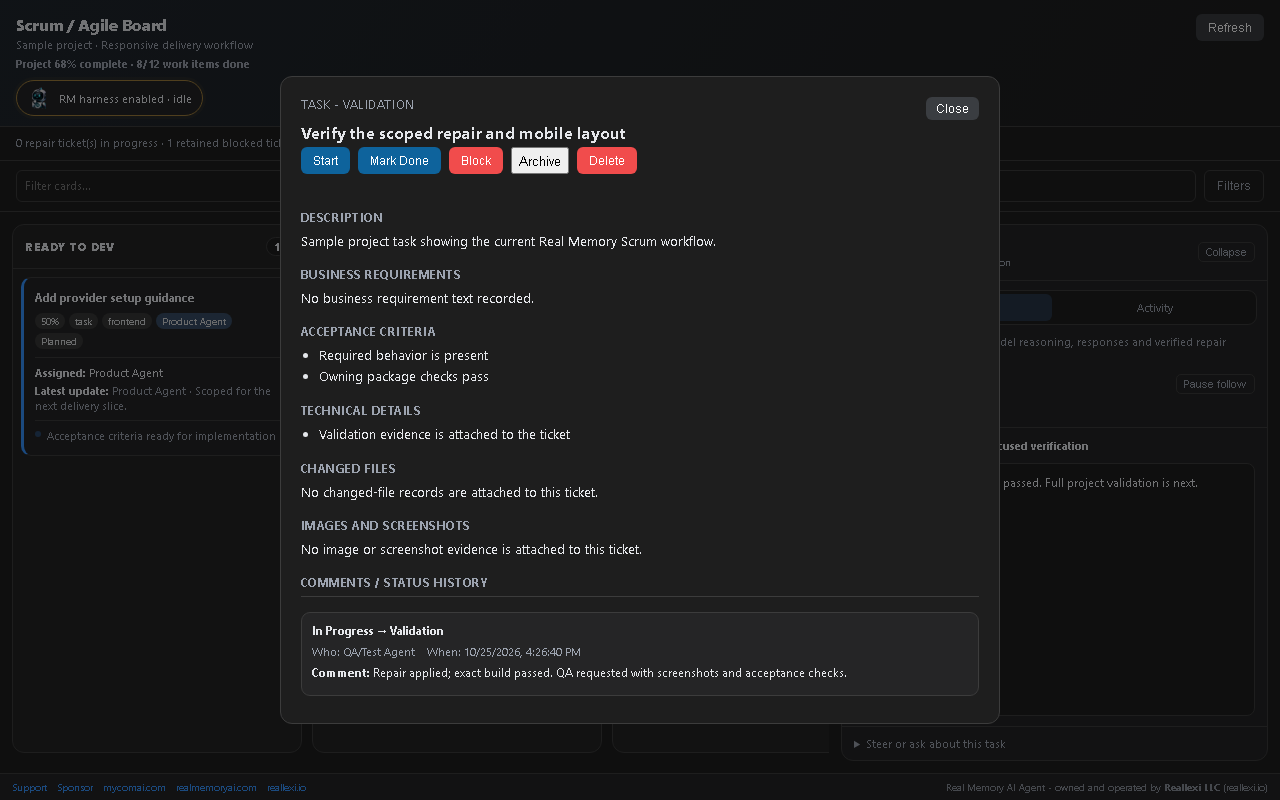
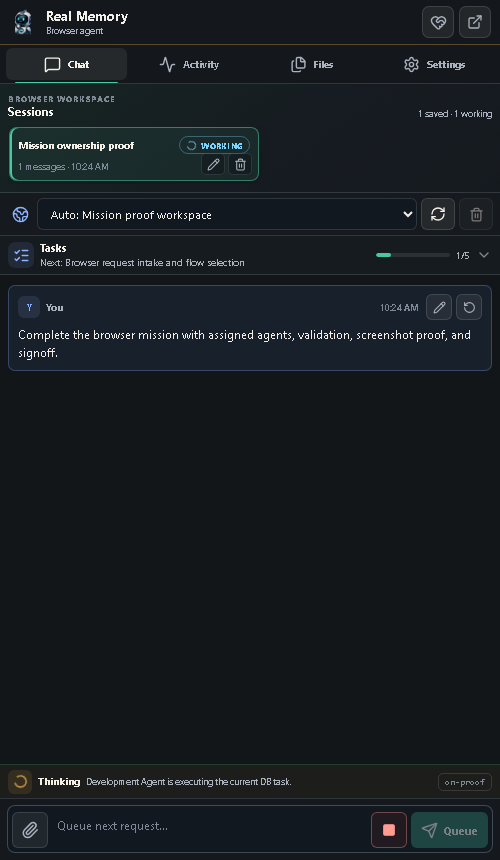
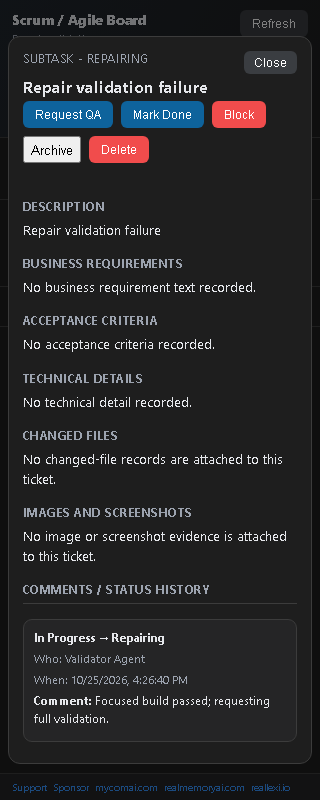
A short tour of the product surfaces, using current UI screenshots and sample workspaces.
Silent, captioned product tour. Screens show sample data, not a live customer session.
Store availability and listed versions vary by platform. Review each store listing and its permissions before installing.
What data each surface handles, where it is stored, when it may be sent to a selected provider, and how to remove local records.
Permission boundaries, supported security reporting, and what to include in a vulnerability report.
Install, choose a provider, understand the Scrum flow, review proof, and troubleshoot common setup issues.
Real Memory AI Agent and its related extension code, designs, workflows, algorithms, prompts, architecture, methods, and documentation are proprietary to Reallexi LLC. This public guide describes product use; it does not grant rights to reuse private implementation materials.